angry birds legends
rovio
2019 - 2021
Senior Animator / Rigging
During my time in Angry Birds Legends I worked as Senior Animator in a team with Senior animator Bjorn Humbe for the game Angry Birds Legends.
Here are some of the tasks that we tackled in the project.
- Creating and testing different rigs and setups to optimize the gameplay without compromising quality and style.
- Come up with an animated style for the characters for Angry Birds Legends.
- Giving direction and feedback to Outsourcers to match animation style for the game.
- Do full body/facial rigs for characters.
- Animate characters, props and support VFX and implementing it in the engine.
- Animate UI, Timelines and Cameras inside Unity.
- Come up with suggestions and solutions to have a better workflow with the team and outsourcers.
Rigging
For the game both Bjorn and myself riggeda pproximately more than 60 characters to be shared to an Outsource animation team but also for us to animate.


Facial Rig;
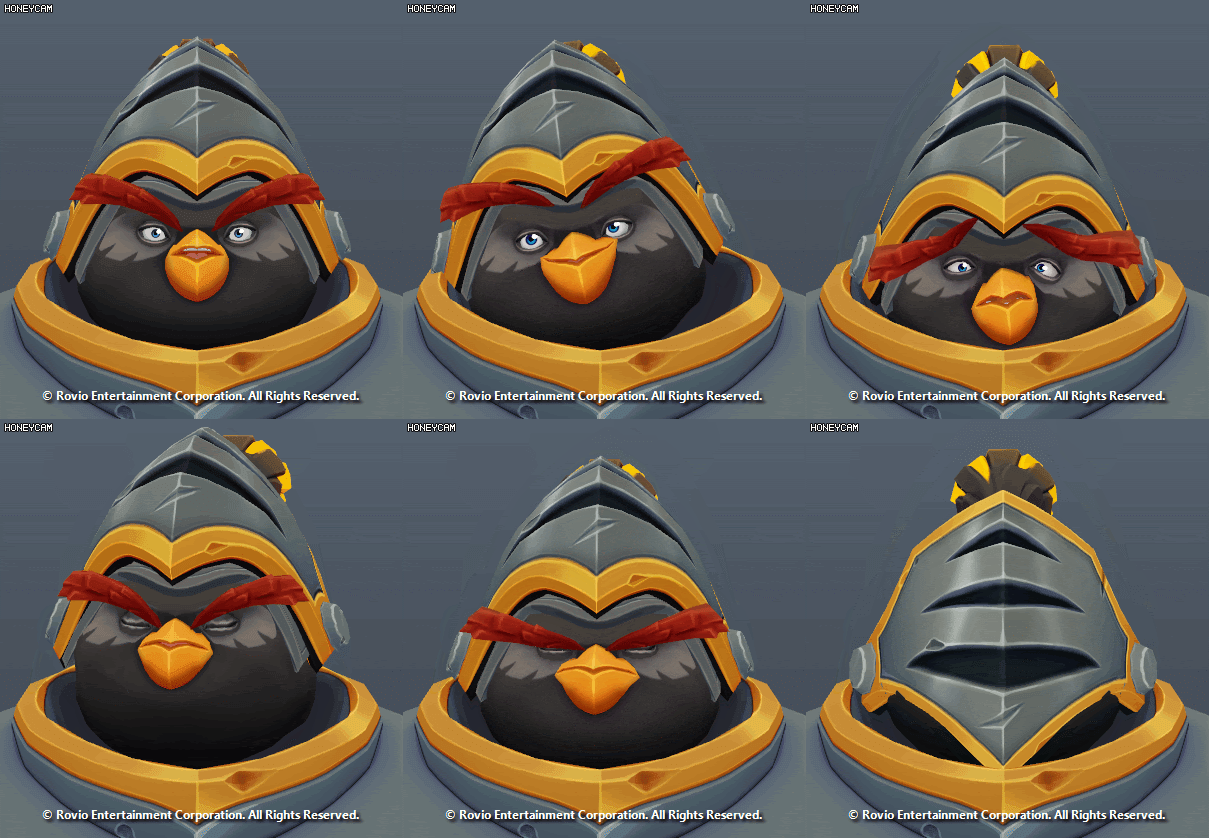
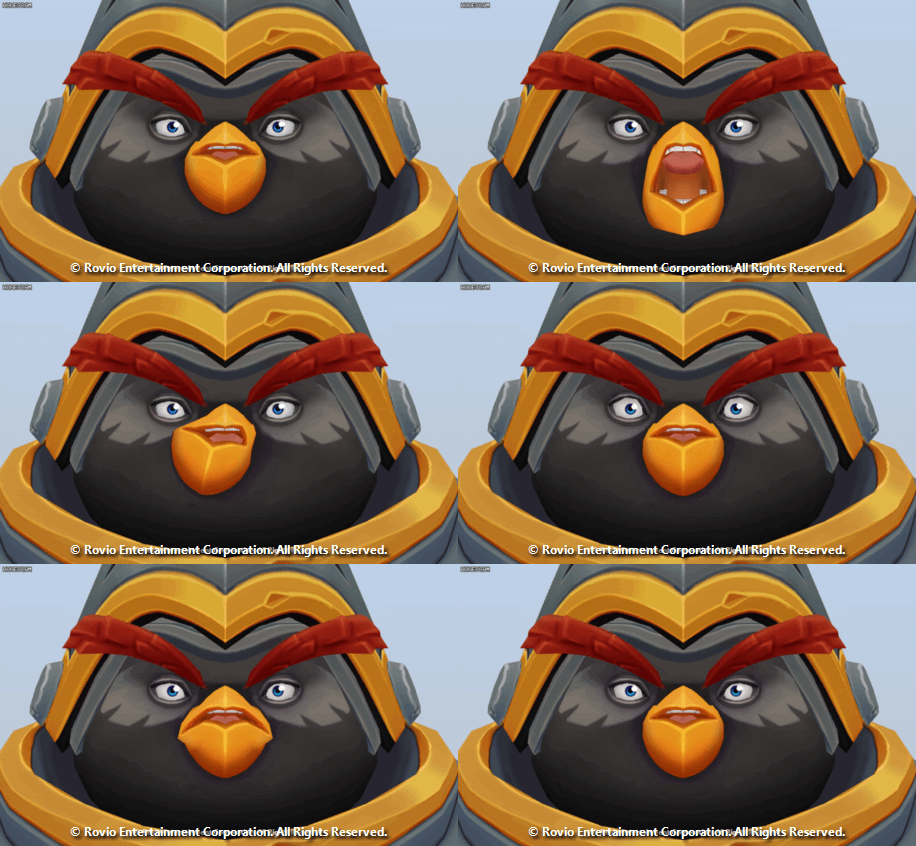
During the initial tests, we zoomed in how much facial expression could we get with the least amount of joints. We wanted to have the chance to animate the characters with a lot of uniqueness maximizing the use of the joints that would allow us to have a big range of motion.
Here is a Facial Rig test I did to prove/test the range of the facial setup and also an animated test of the face that would help the Outsource team to push the facial setup.
Body Rig:
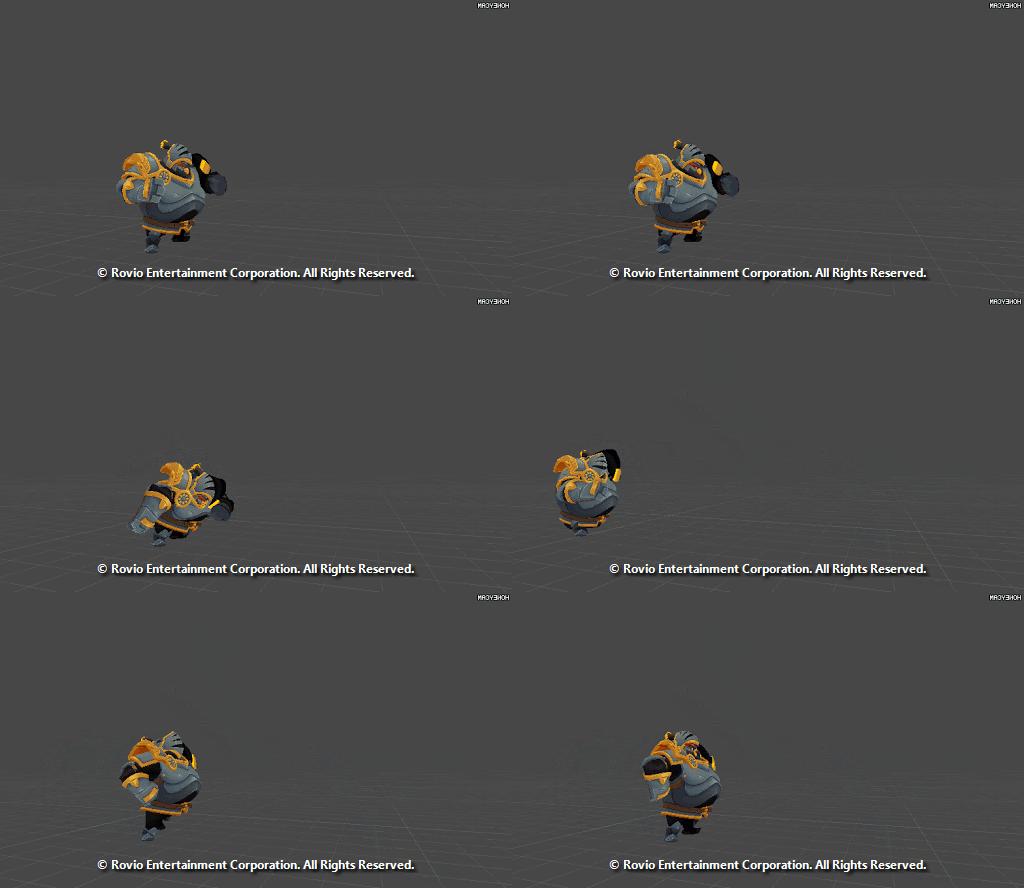
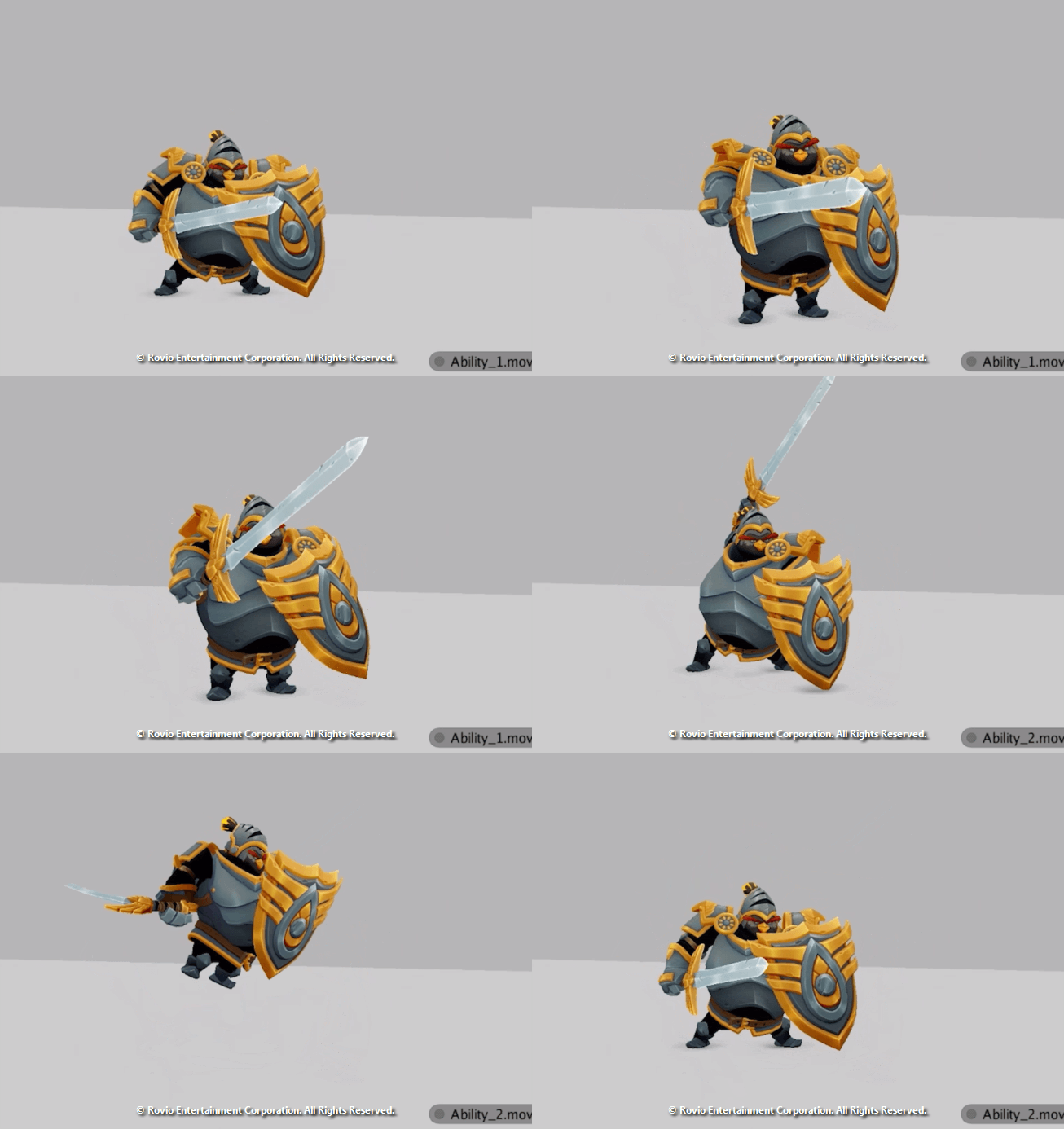
We wanted to test the rig and animations to support scaling of the joints to support smears and exaggerated shapes for abilities and attacks to keep the uniqueness and cartoony aspect of the characters. Here are some initial tests where I was testing how far could we stretch the body. (The "Bomb" Character evolved after these tests as the art style kept refining)

Character Animation
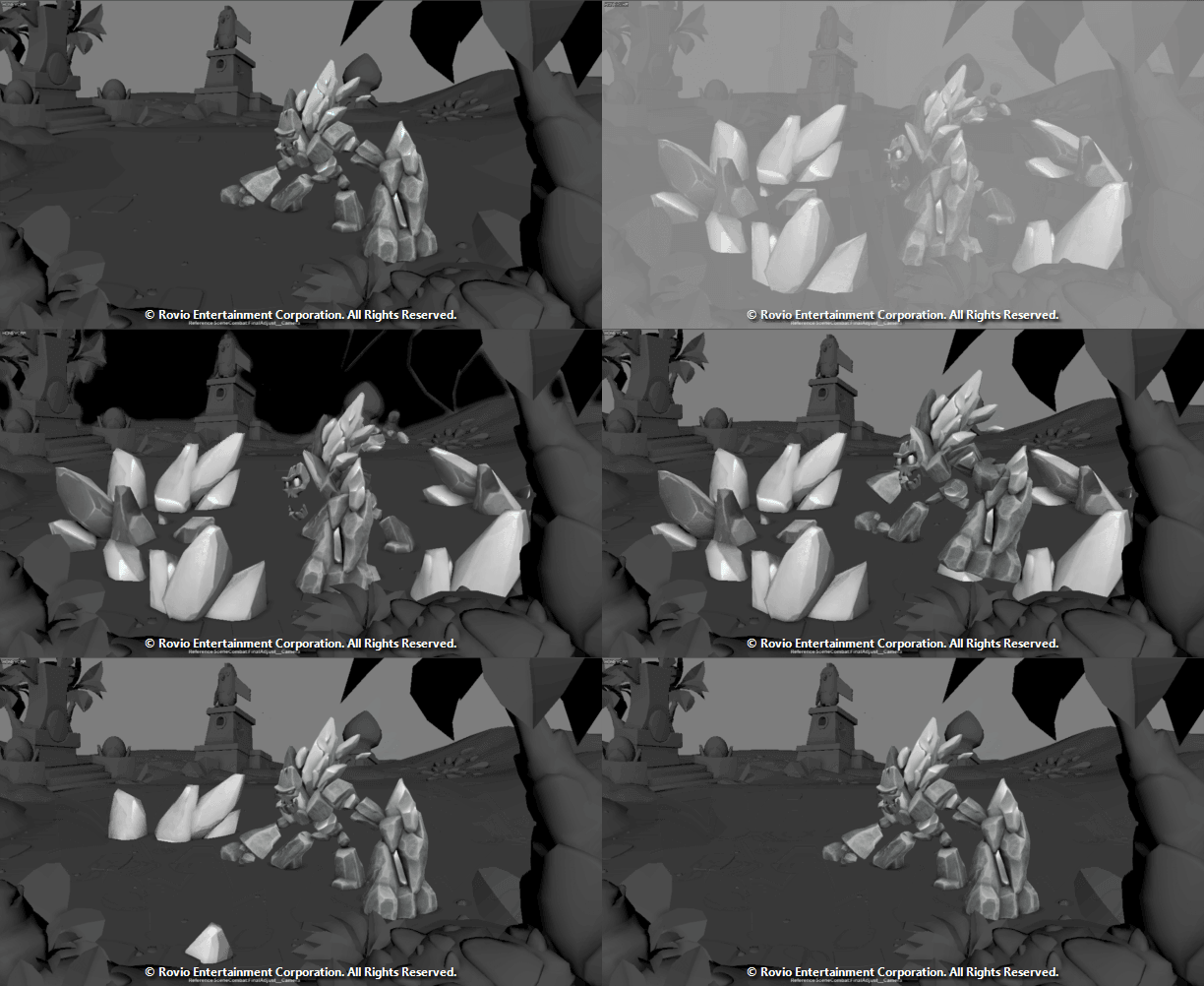
Whenever animating we would try blocking ideas from a concept, get feedback and iterate from it. We would also add prosy meshes for VFX to understand the timing and our expectation which would be useful for the VFX artist.
Here is an example of a Blockout on Maya I did with different iterations:
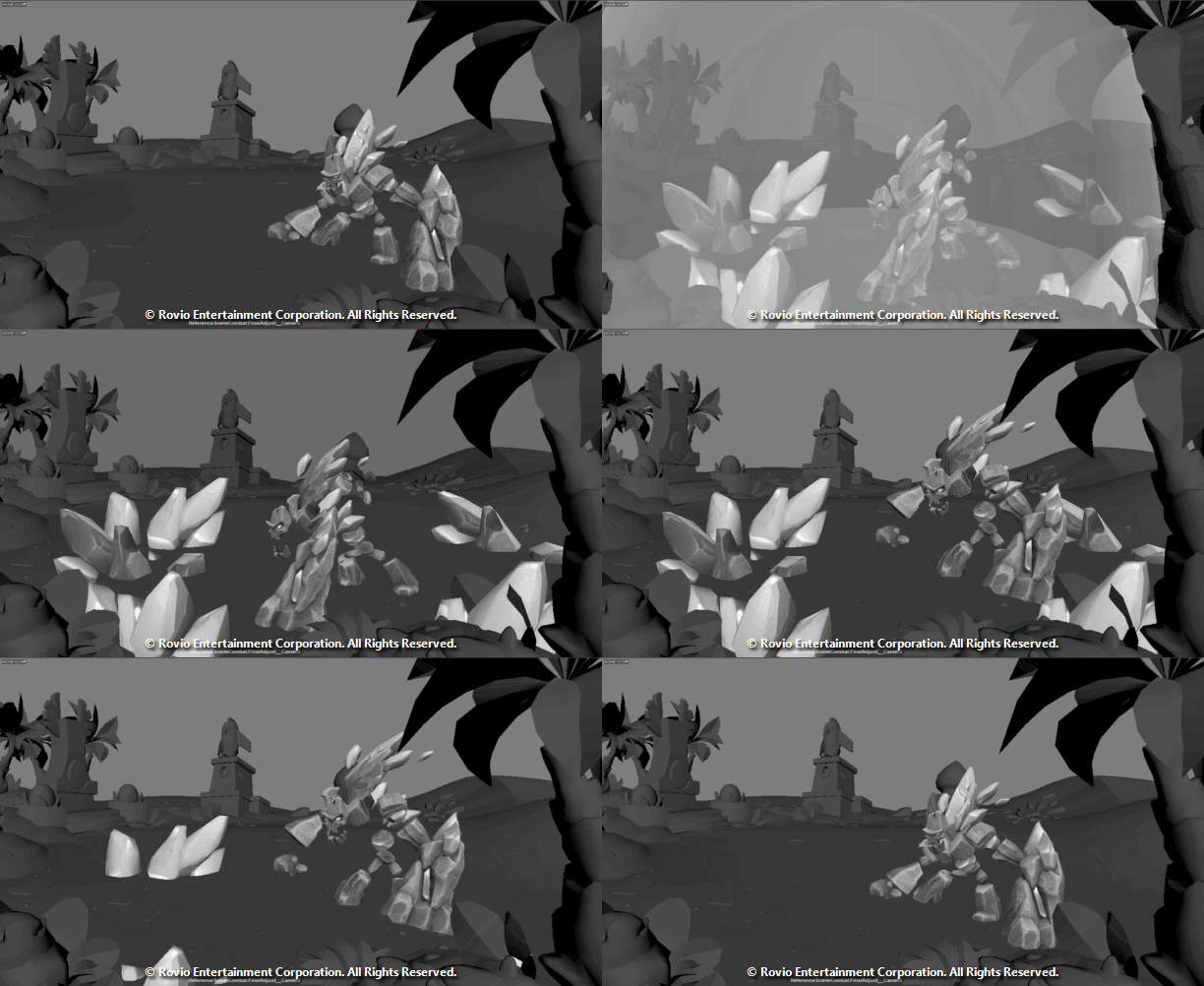
This would be the final animation ready to be exported to the Game Engine and we would add the Camera shake and VFX in the timelines.
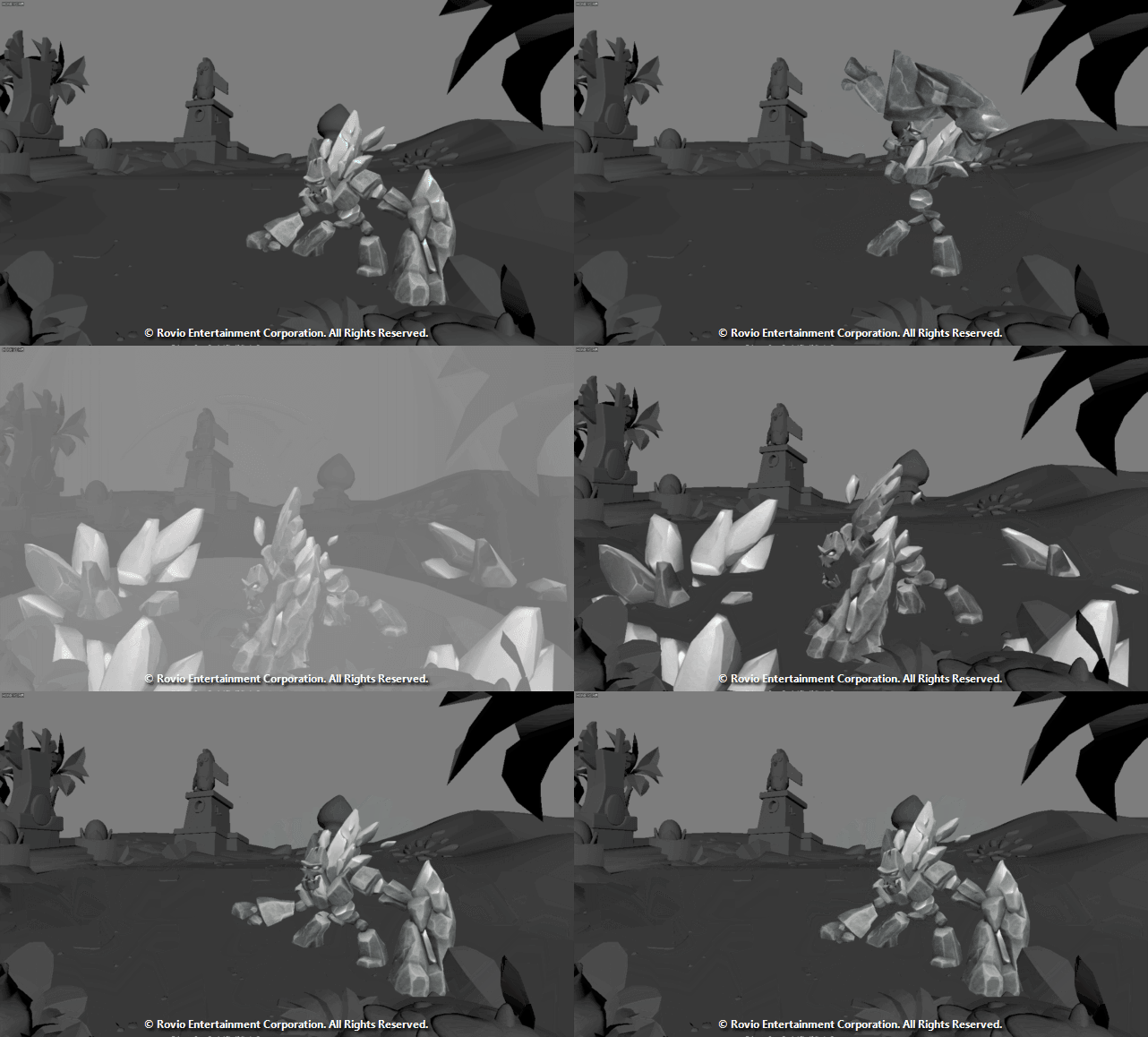
Another Example of an animation I worked adding Proxy VFX meshes;
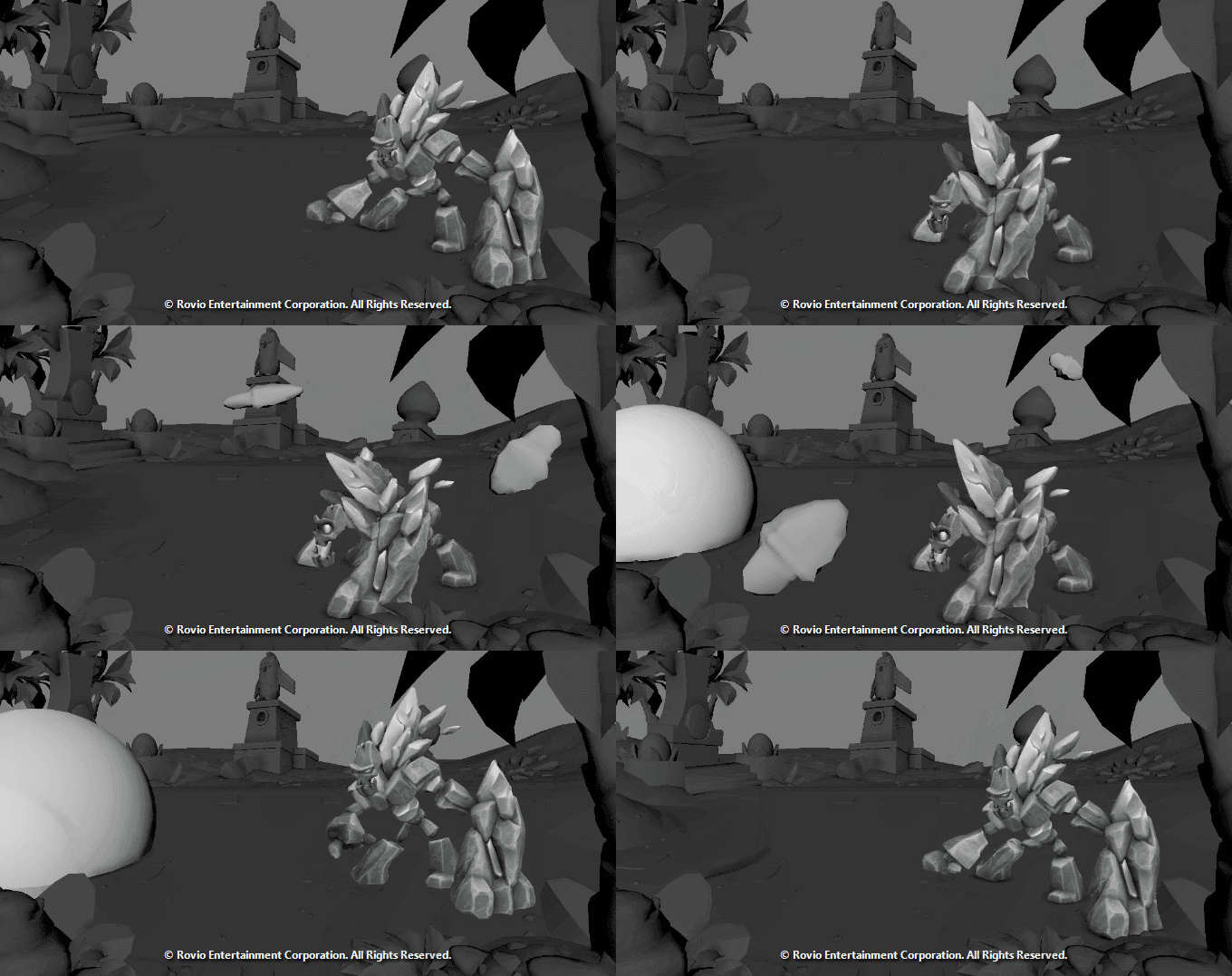
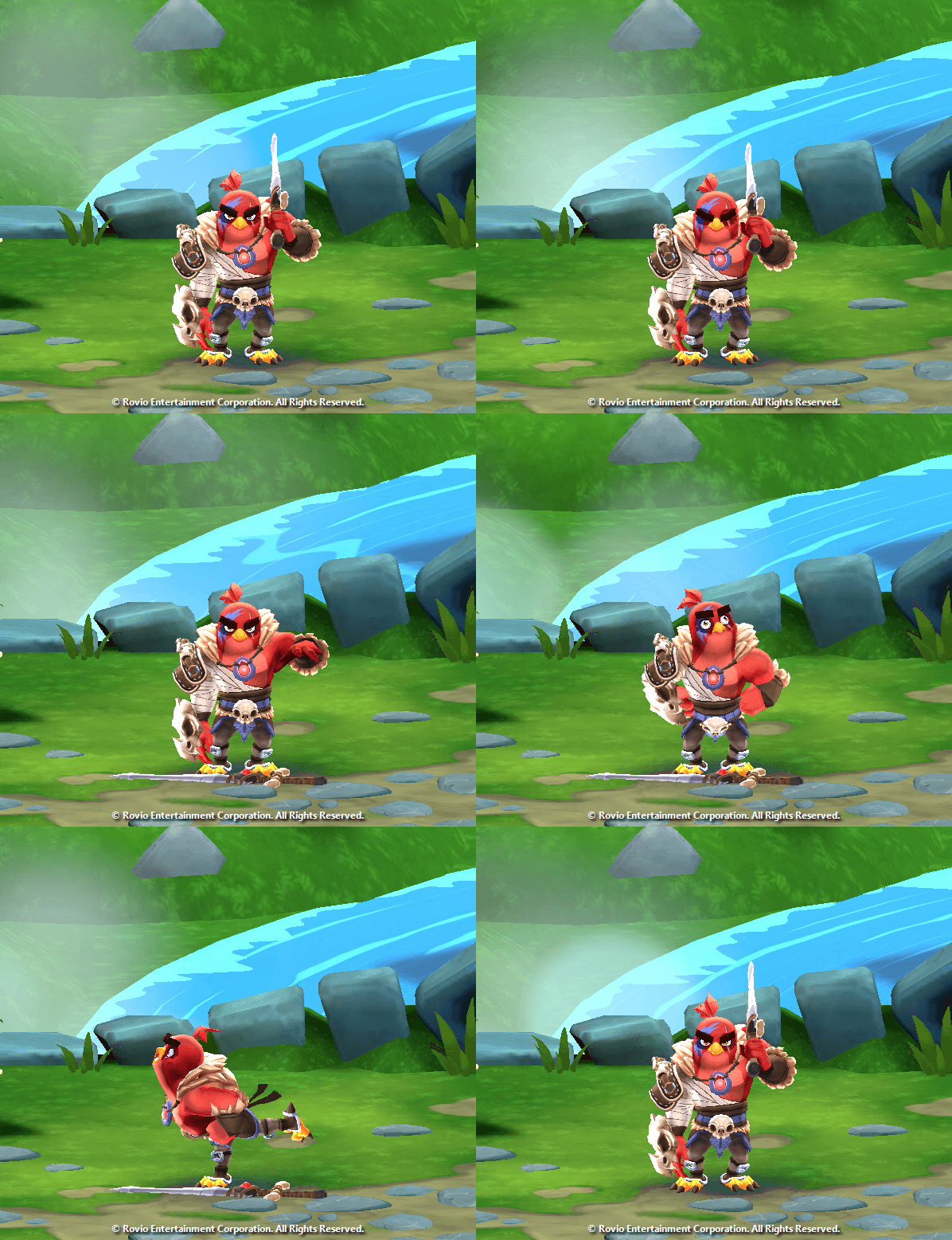
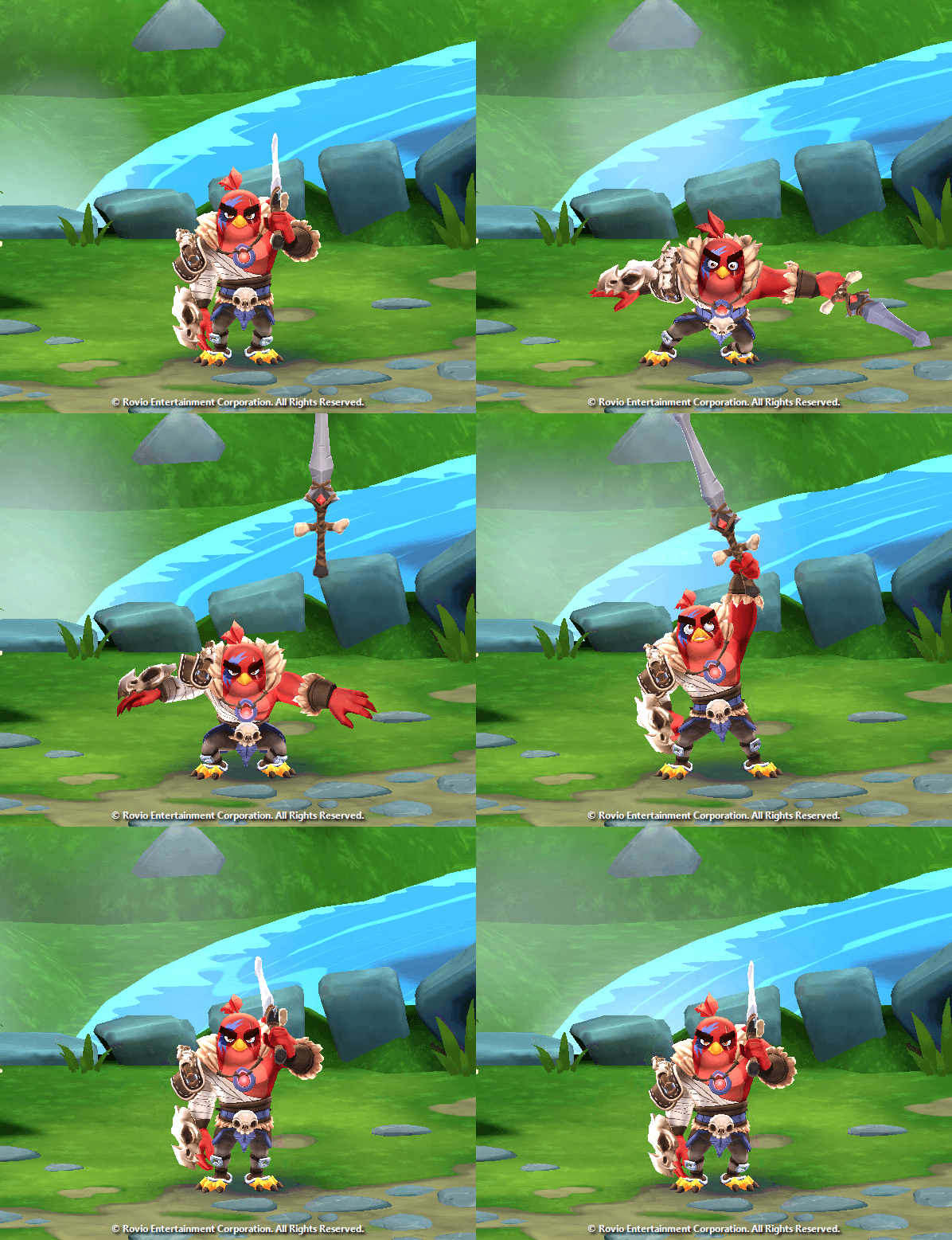
Here are 4 sample animations I got to work on of the game:
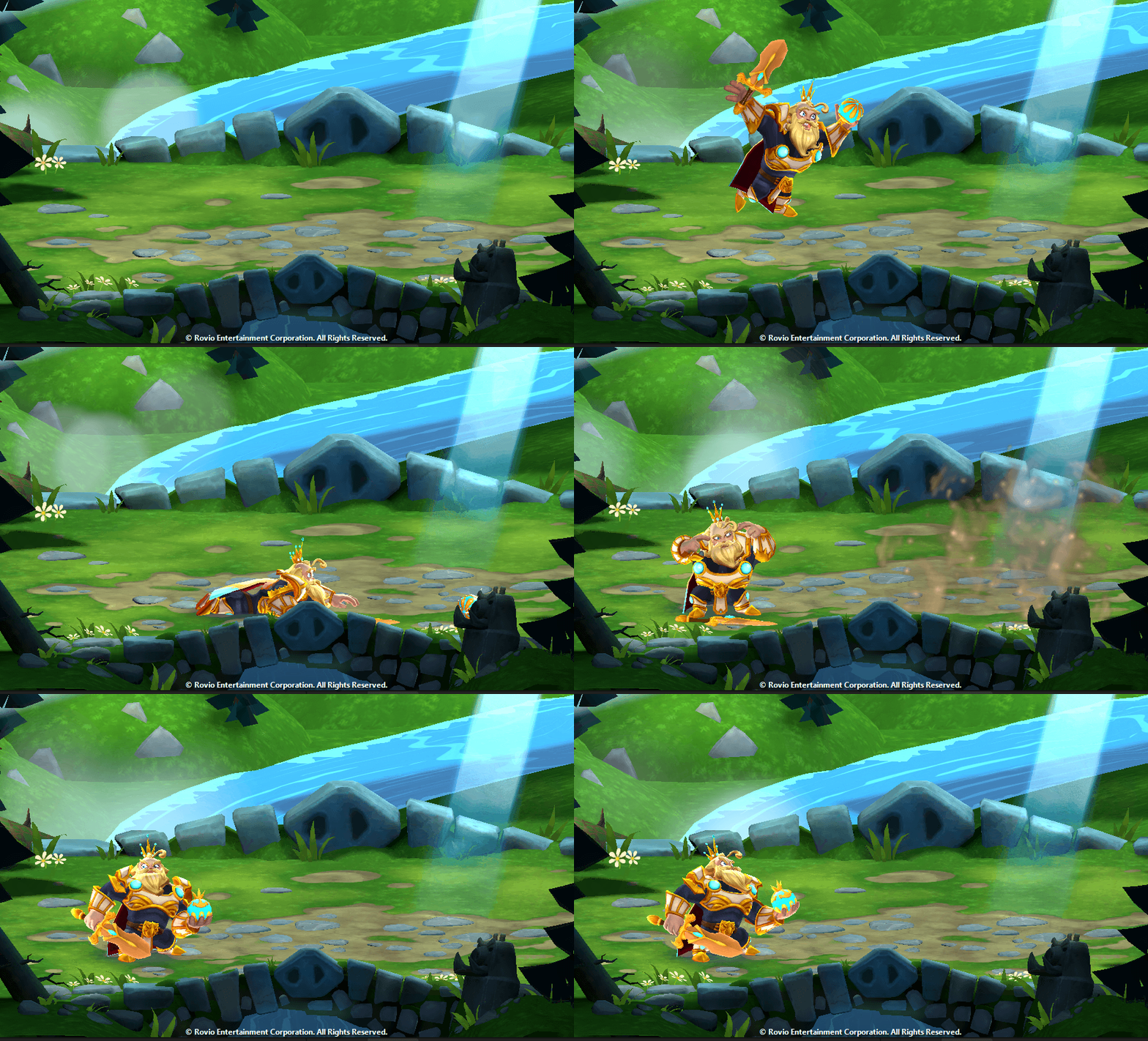
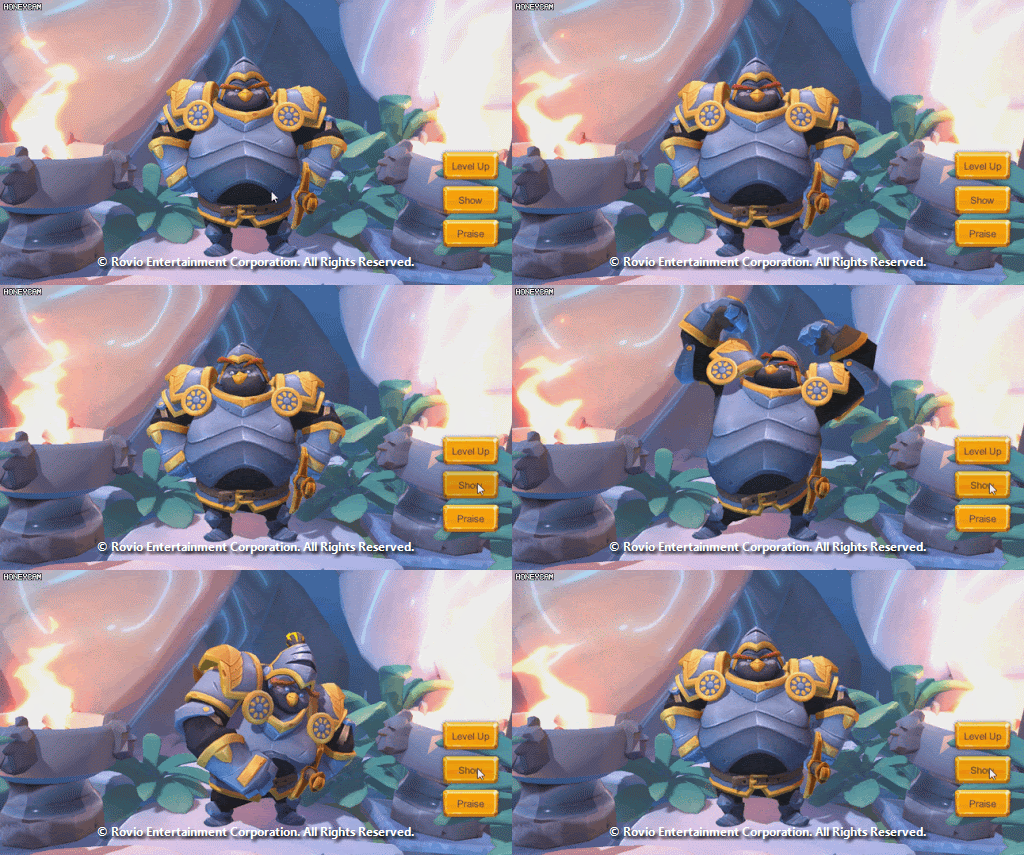
Unity Animation Setup
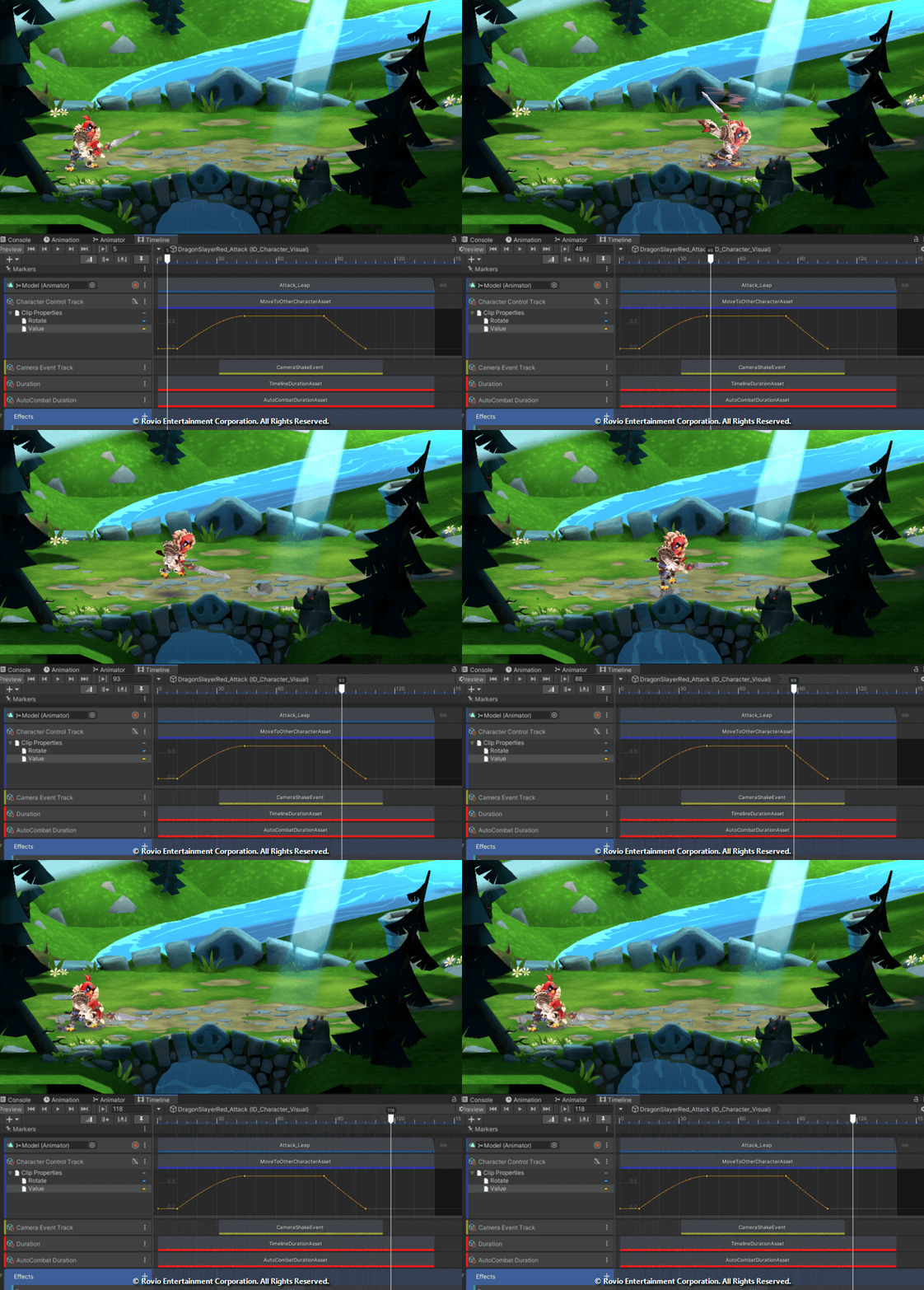
We created state machines and overrides in conjunction with timeline setups. This would allow us to reuse different states of animations and potentially share timelines.
We made big use of Unity Timelines to set up the path, speed and direction of the animatons of the characters when performing an action towards a target. Using timelines would also allow us to iterate easier spawning and timing of VFX and cameras.

Outsourcing:
During production we were set to manage and give direction and feedback to Outsourcers to provide to us animation content fitting our technical and stylistic needs. This would include having meetings with the external animation team going through expectations and questions, providing reference and documentation to them.
Here are some examples of feedback sent to the Outsourcers; feedback would be clearer with the help of sketches, an overpaint and sometimes an additional explanation. Other times it was needed to actually go in and change the pose to support for clarity and match personality and readability.

Other times, the feedback required was motion oriented which would entail notes regarding strength, follow throughs, arcs, spacing, etc.

There were times that the facial expressions were also tackled as part of the feedback given to the animation team in the cases where readability was needed in the face area.

Sometimes we needed to be a bit more specific with gestures and direction regarding the animation. Having meetings, giving the animation team reference thumbs and direction to accomplish expected content. Here is an example:

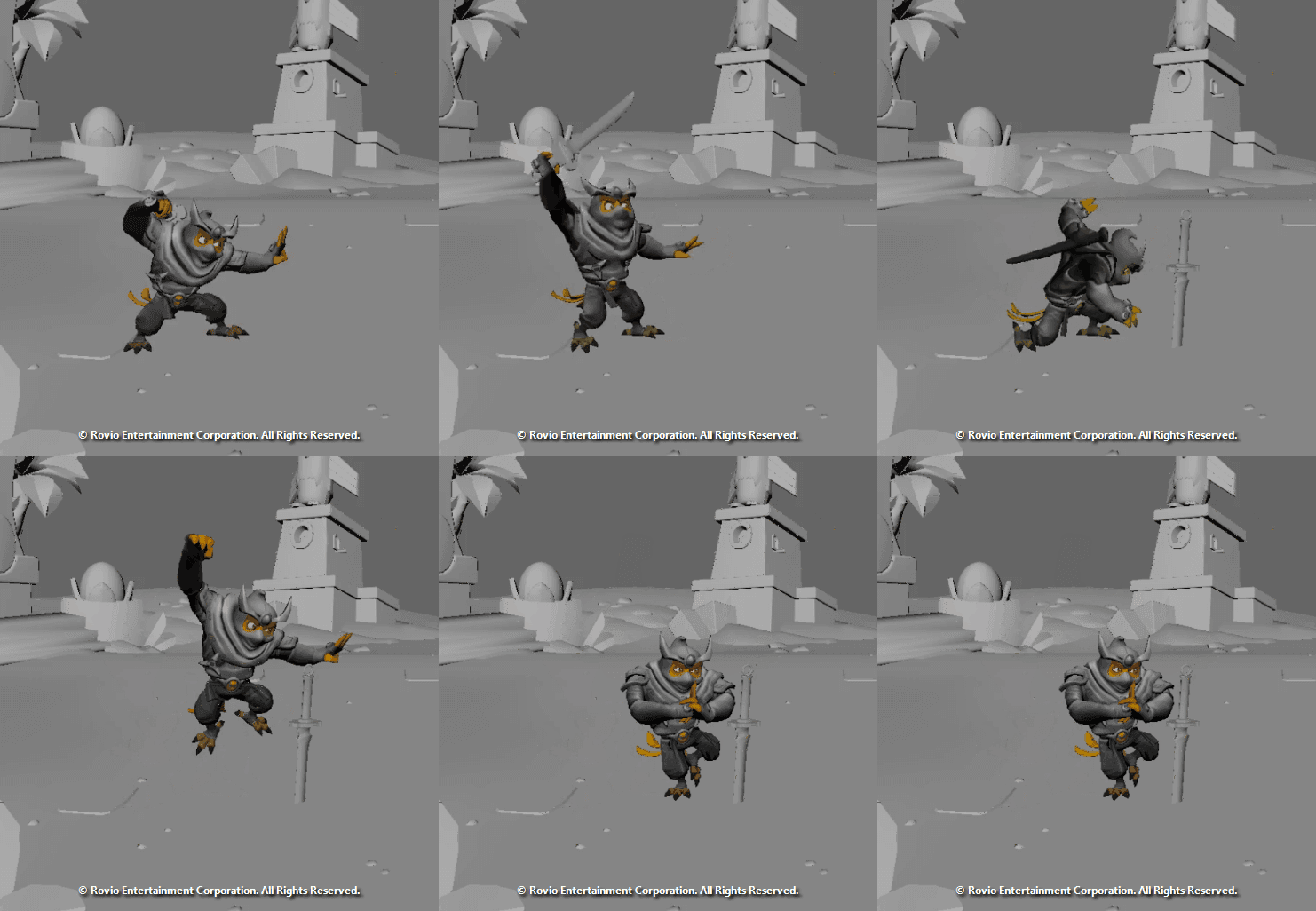
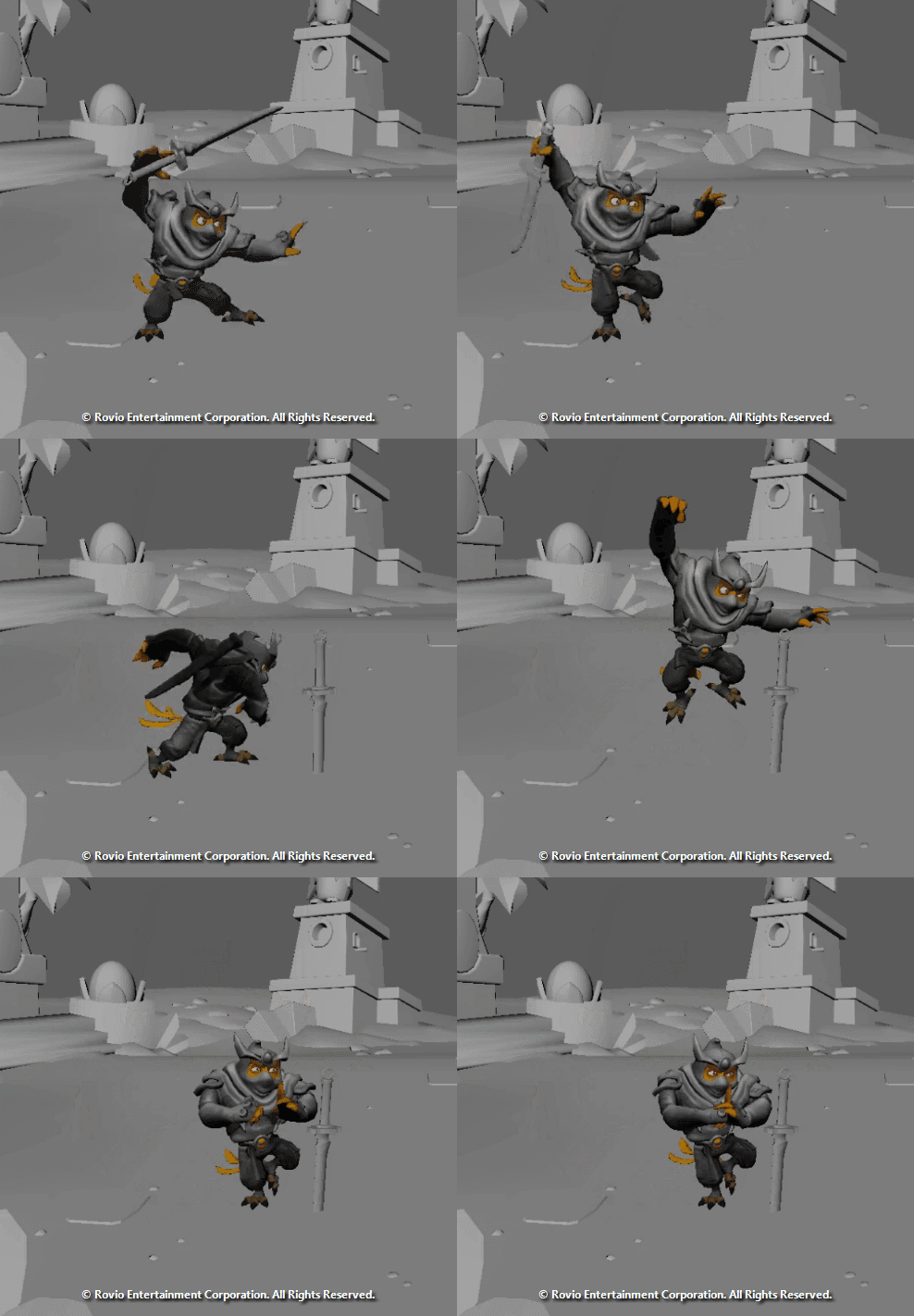
Animation Done by RockSalt Studio
Camera Animation
Here are some example of Introduction Cameras tests using Virtual Cameras and Unity's Cinemachine
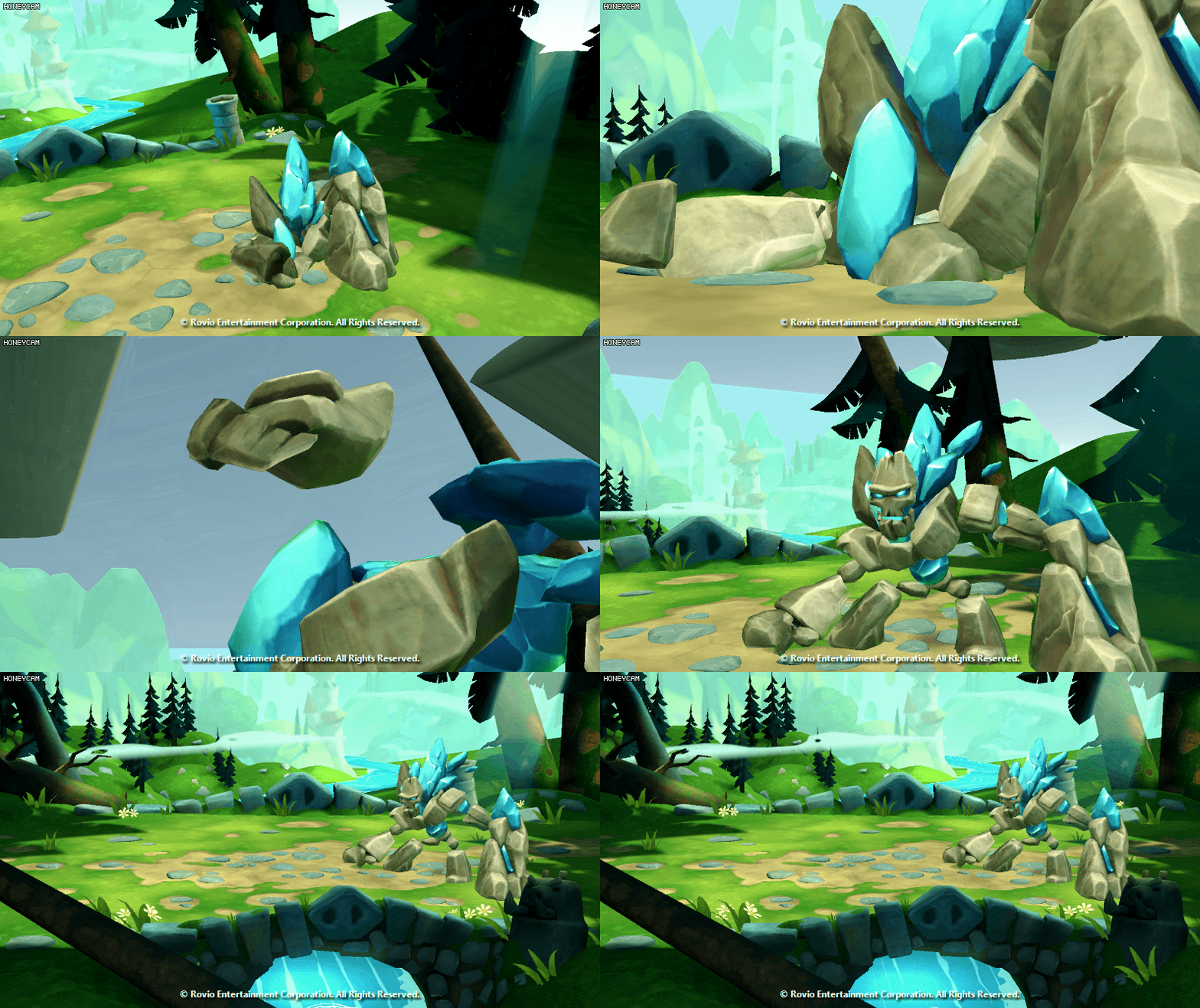
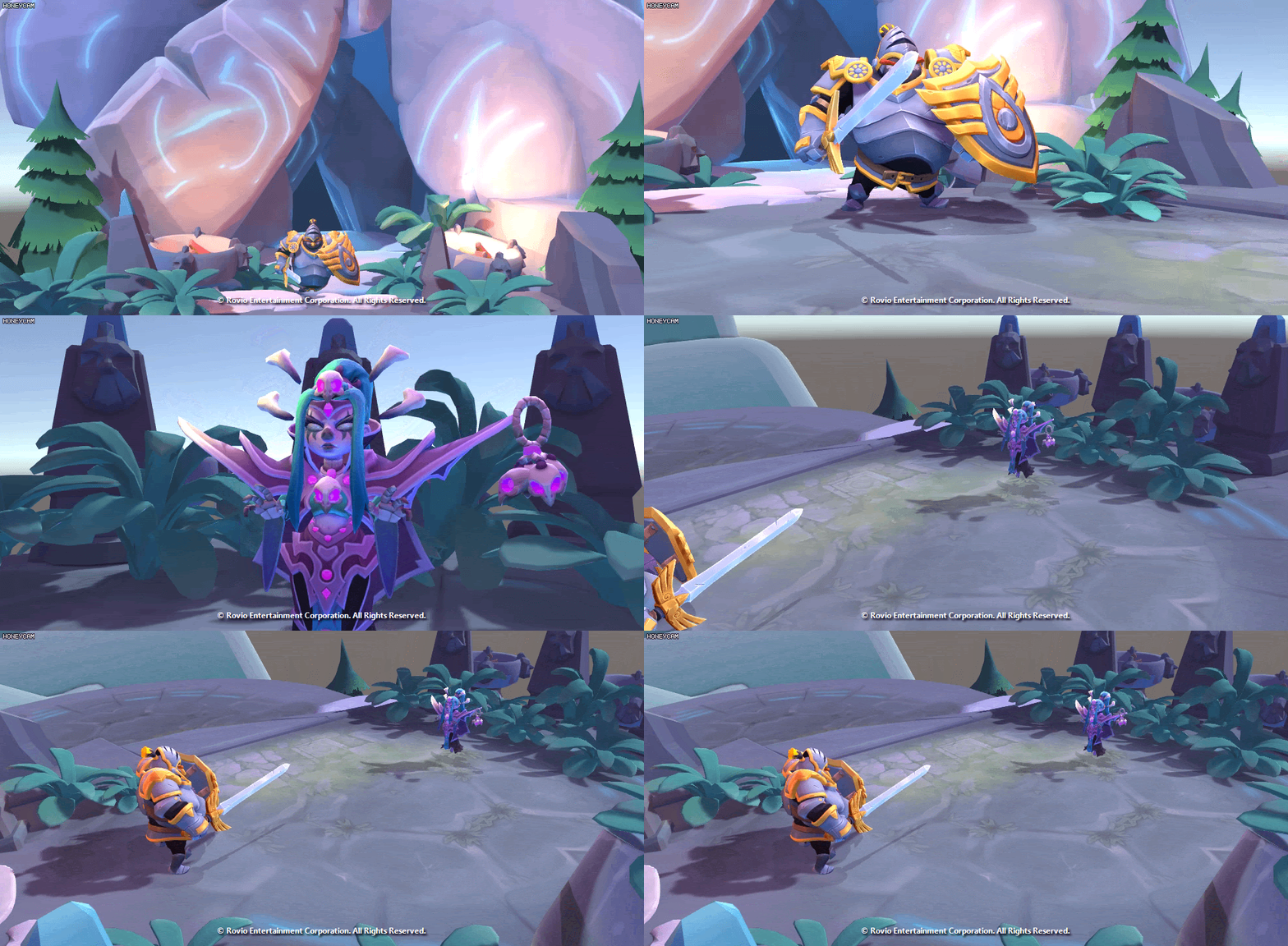
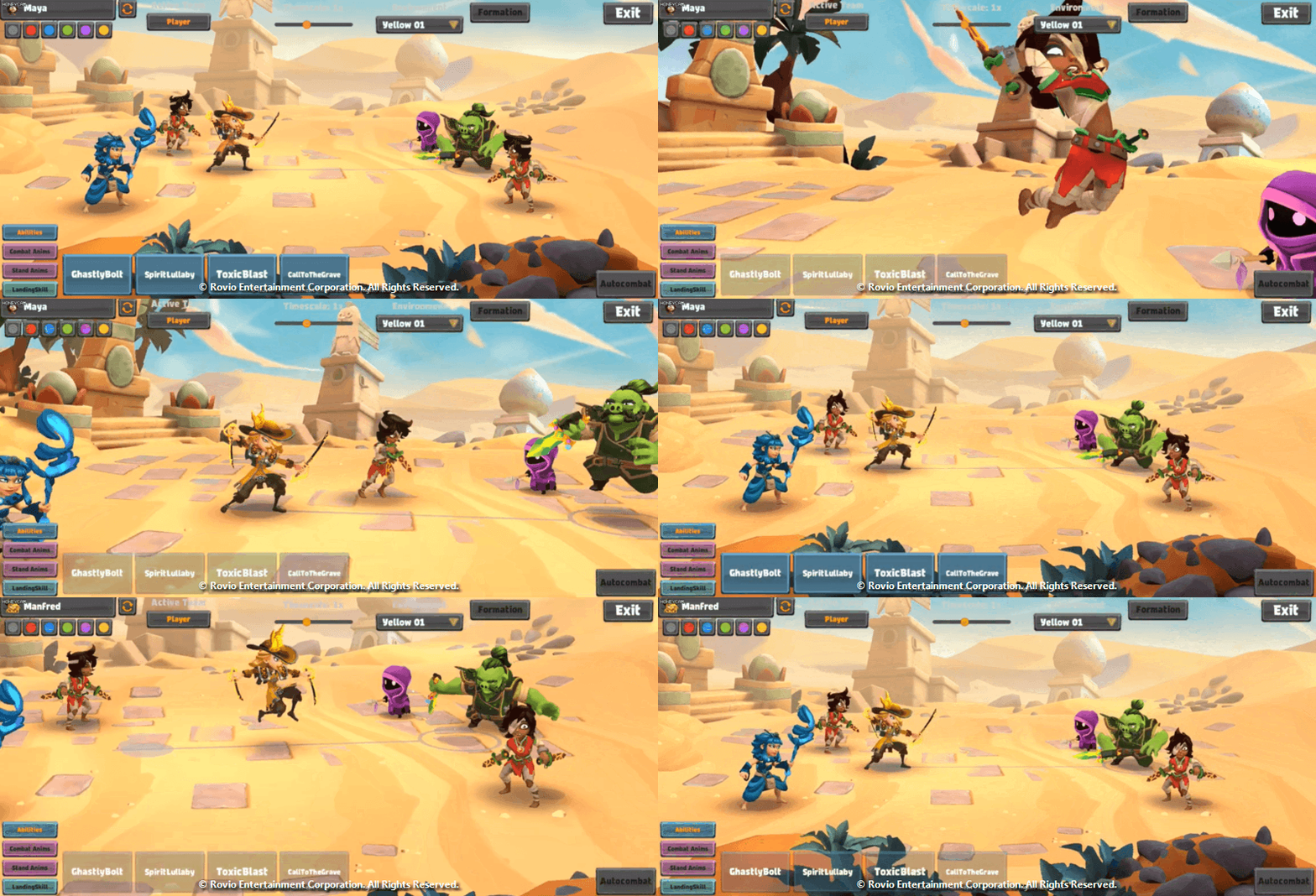
We wanted the character to have an animated camera for certain abilities. (3 different scenarios). The following examples showcase the animation of the camera. (The tools provided to test animations in engine were done by the talented Tech Artist Björn Albihn.)
1) Animating and tweaking cameras following the characters.
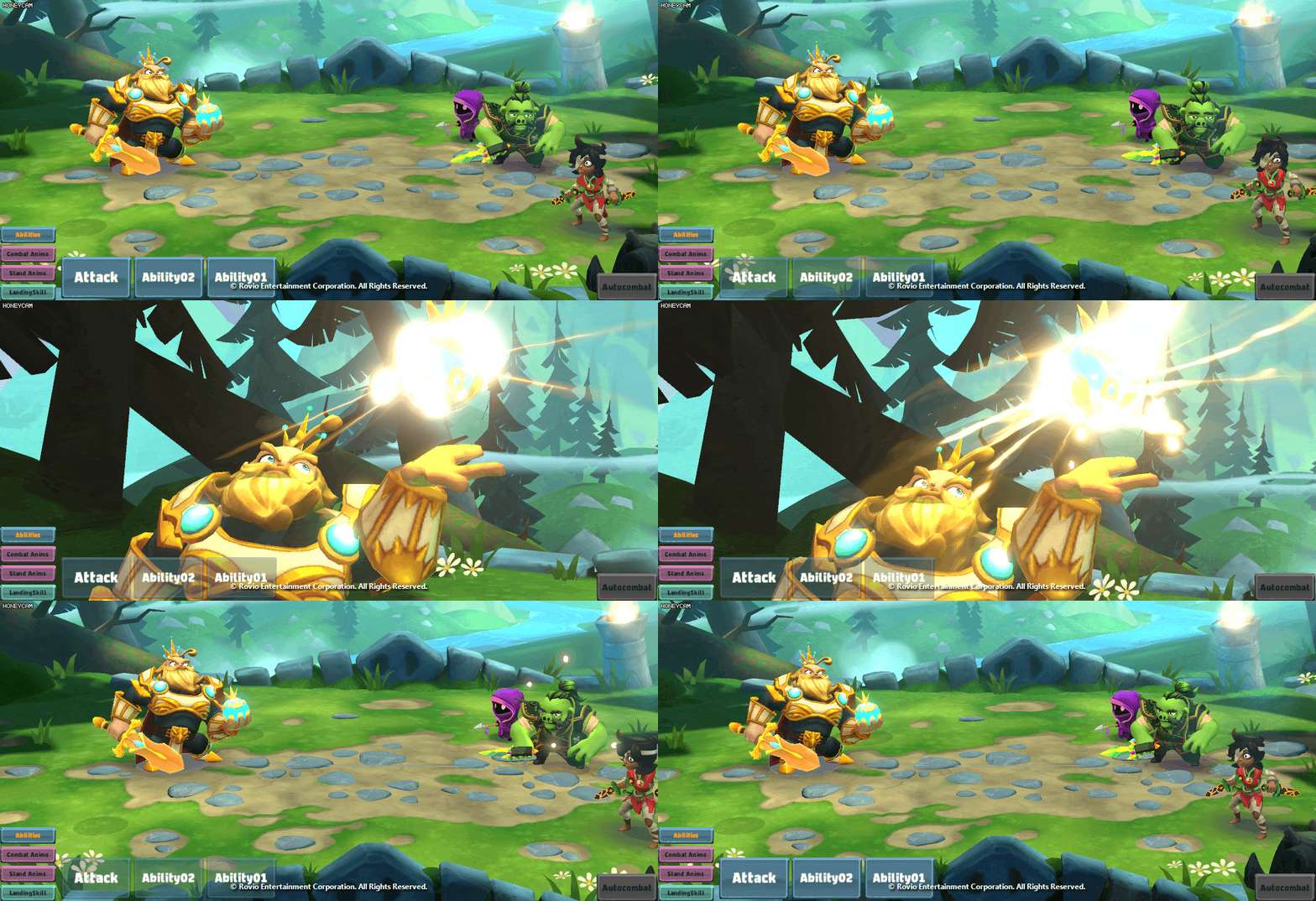
2) Animating and tweaking cameras zooming in on a weapons or body parts
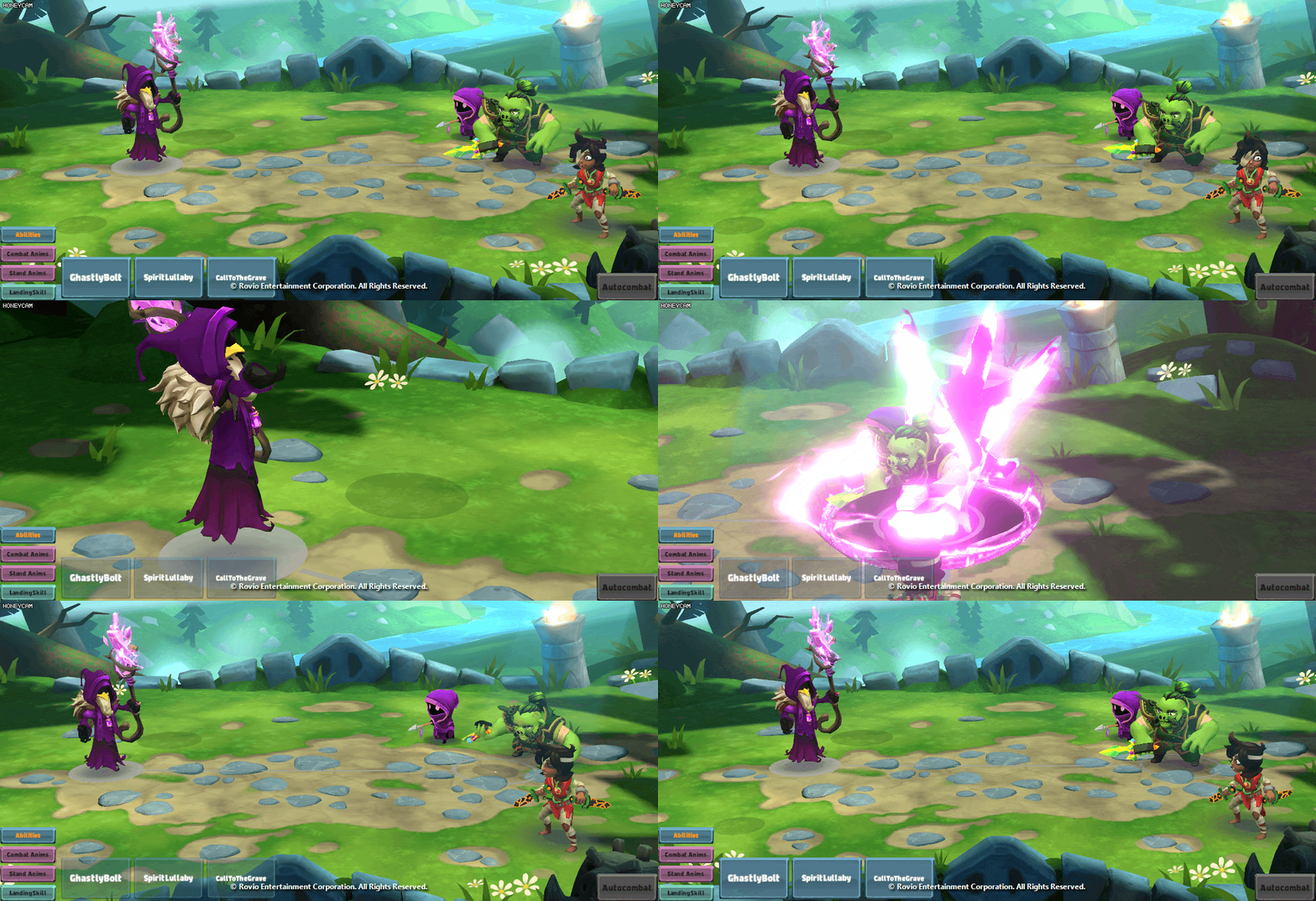
3) Animating and tweaking camera blends between the Hero and the enemy target by the use of 2 or more virtual cameras
Marketing Support:
During the time on the project I supported the Marketing team posing the character for Marketing Artists for Campaigns. Mocking up different screens, hacking gameplay and so on to deliver assets for Marketing material.

Examples of finished Poses and mock ups that would support and provide to the Marketing team:

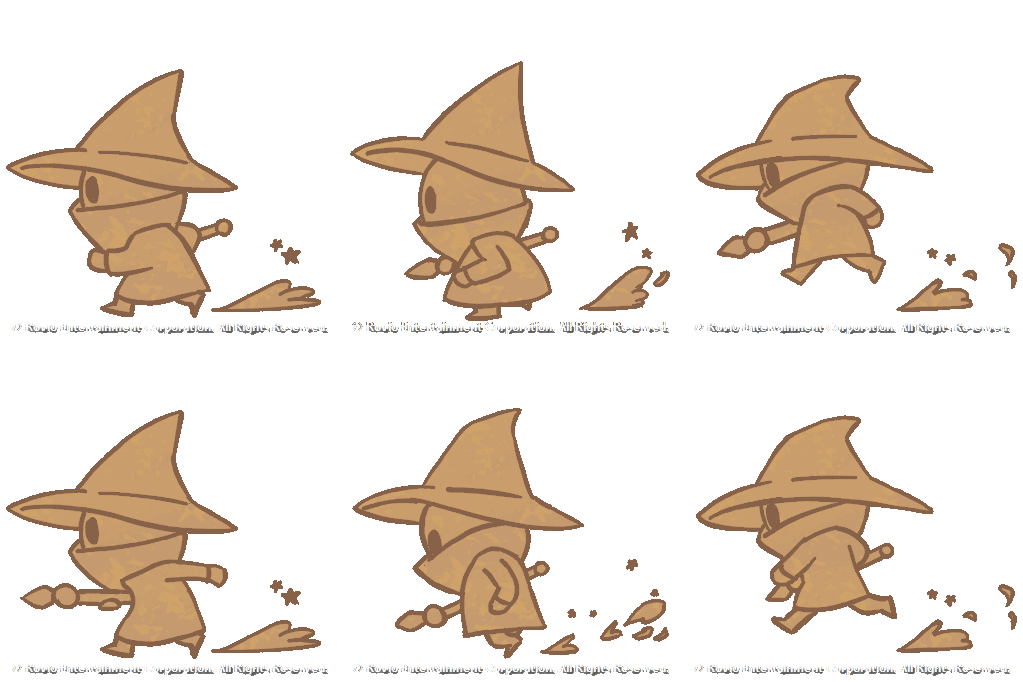
Loading Screen:
Had fun during a small loading screen in 2D and implemented it later in Unity of a Minion running.